
Woxi Wolfram Language interpreter implemented in Rust.
Examples:MapPrimesFactorizePermutationsFactorialsFoldListTransposeNestListPlot
99 1 2 3 4 5 6 7 8 9 10 GraphicsRow[{
Plot[Sin[x], {x, 0, 4Pi}],
BarChart[{1, 5, 3, 4, 7, 9}],
NumberLinePlot[{Interval[{1, 9}], Interval[{3, 7}], Interval[{2, 4}]}]
}]
GraphicsRow[{
BubbleChart[{{1, 5, 3}, {4, 6, 9}}],
Graph[{a -> b, b -> a, b b}],
TreeForm[a + b^2 + c^3 + d]
}]
Everything runs locally in your browser. No data is sent anywhere.
Clear
Share Run
![Plot of Sin[x], a bar chart, and a number line plot](https://woxi.ad-si.com/default-row1.svg)

Other ways to use Woxi
The playground above is one of several Woxi front-ends — the same interpreter powers a full-screen playground, a command-line tool, a Jupyter kernel (also runnable in the browser via JupyterLite), and a native notebook editor.
[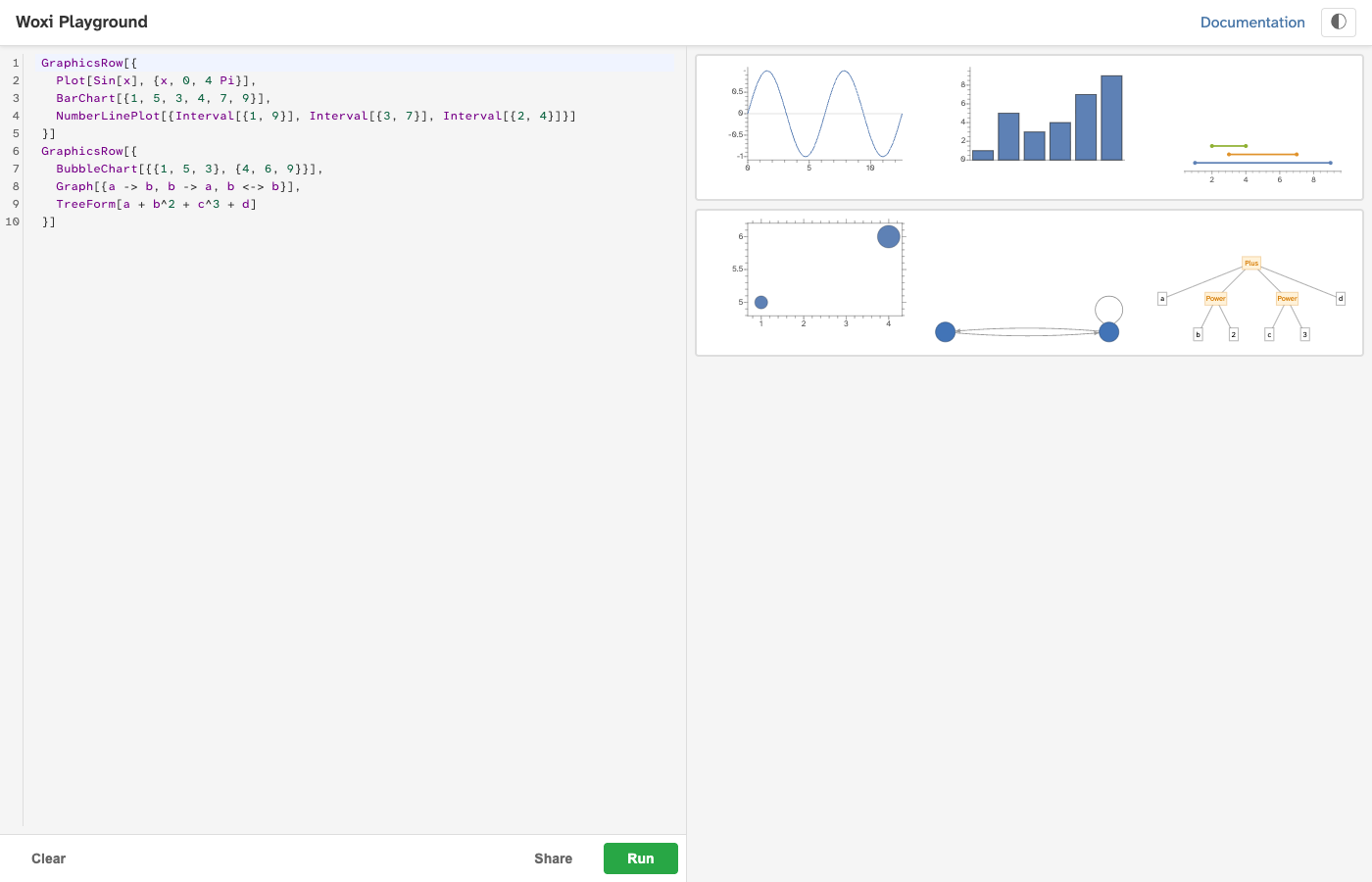
Extended playground
Side-by-side editor and output pane with more room to explore. Great for multi-line expressions and experimenting with graphics.
Open the full playground →](https://woxi.ad-si.com/playground/) [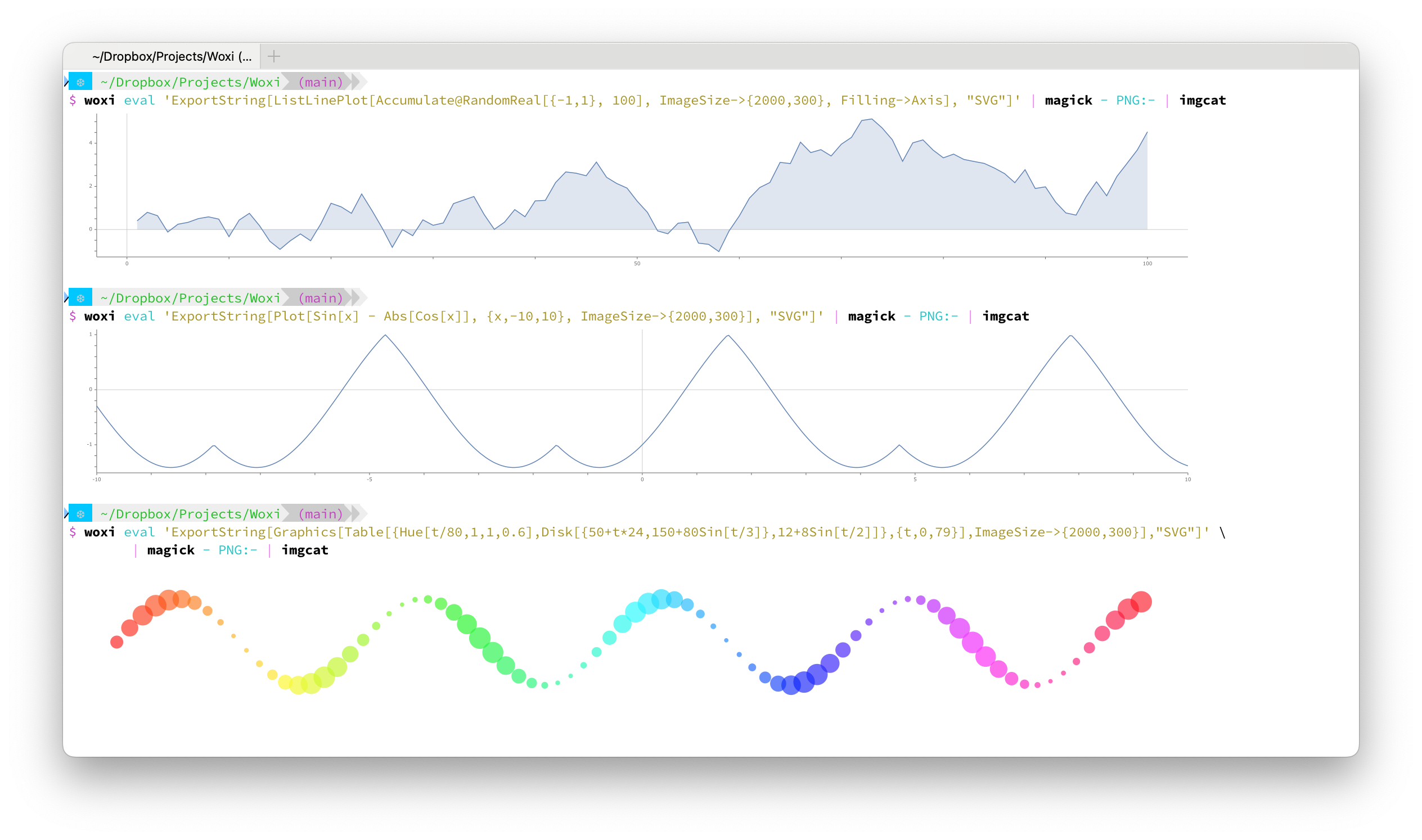
Command-line tool
Evaluate expressions with woxi eval,
run .wls scripts directly, or use Woxi
as a shebang interpreter. Faster to start than
wolframscript.
See the scripting guide →](https://woxi.ad-si.com/docs/scripting/)
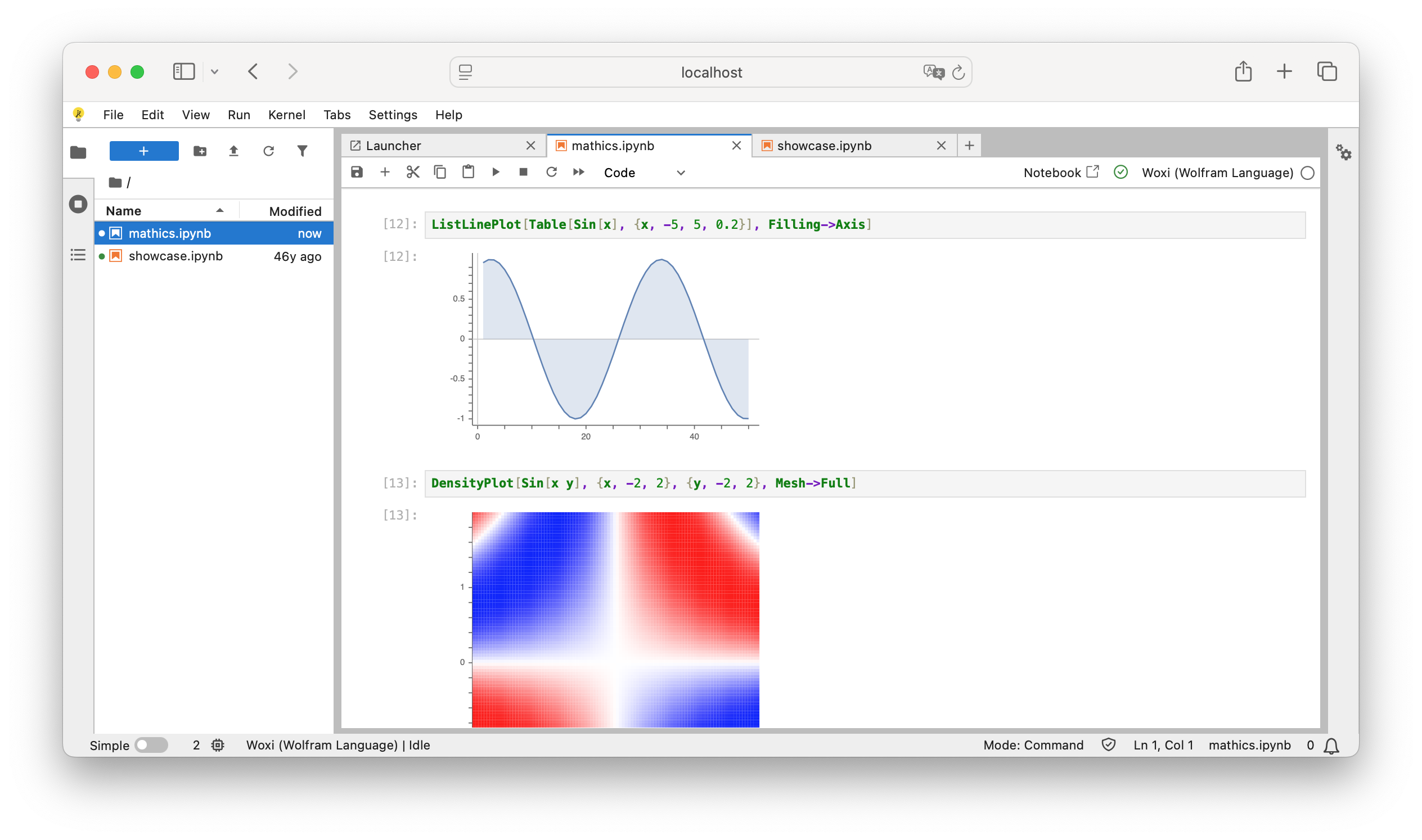
Jupyter & JupyterLite
Woxi ships as a Jupyter kernel. Install it locally
with woxi install-kernel, or run the
full notebook experience in your browser via the
bundled JupyterLite instance — no install required.
[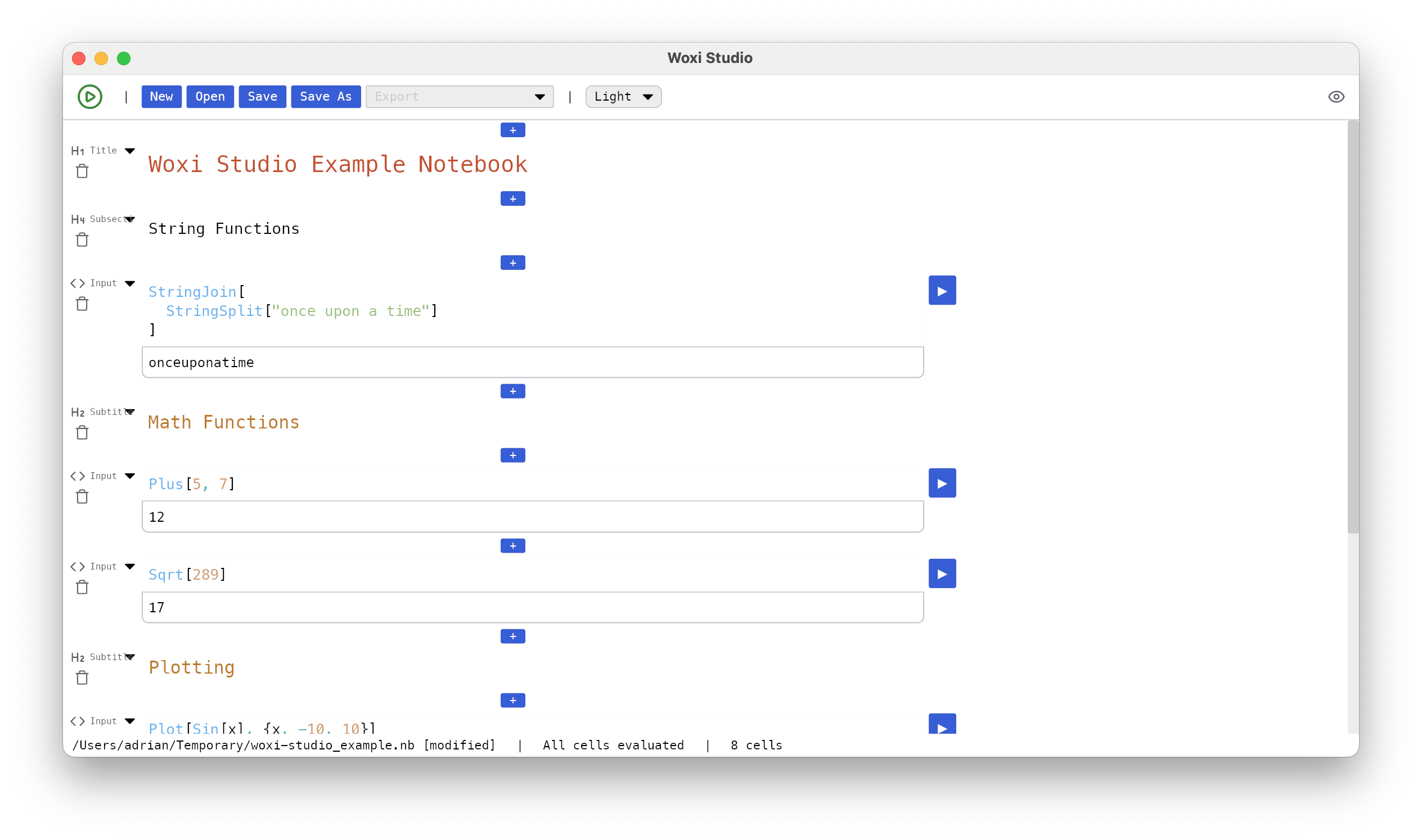
Woxi Studio
Native notebook editor for Wolfram Language
.nb files. Cell-based editing, inline
graphics, and export to .ipynb,
Markdown, LaTeX, Typst, and PDF.
Read the documentation →](https://woxi.ad-si.com/docs/studio/)


