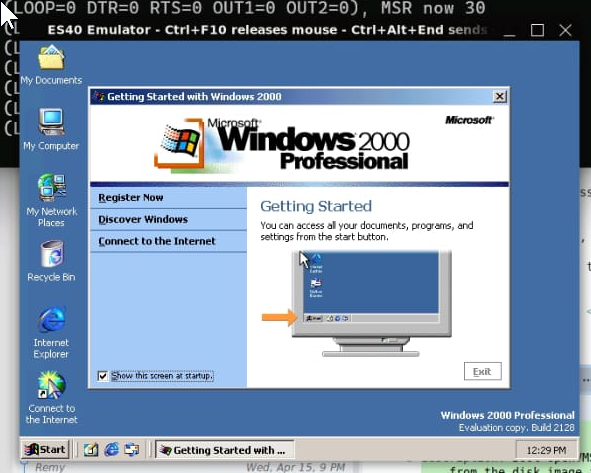
As you might know, I'm involved a bit in the OpenVMS community and the Alpha emulation side via AXPBox. AXPBox ( github) is a fork of the es40 alpha emulator by Camiel Vanderhoeven (who is now Chief Architect at VSI, the company that makes OpenVMS, for x86 nowdays). There have been many forks of es40 in the past and recently a new one has popped up with some great new features. Like speedups via a JIT compiler, S3 graphics port from MAME and ARC support, resulting in the ability to run Windows 2000 for the DEC Alpha.
Here is a screenshot of Windows 2000 in es40:
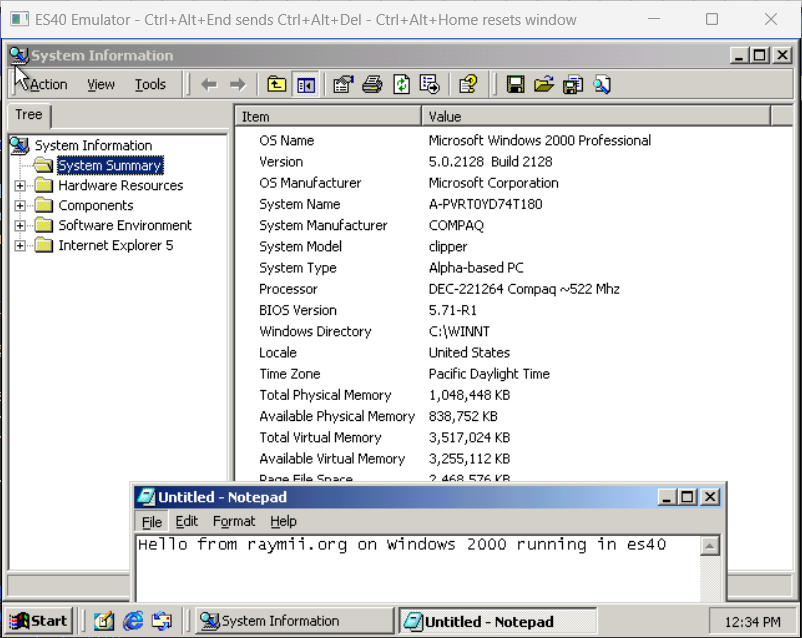
Here is OpenVMS running noticeably faster with JIT enabled:
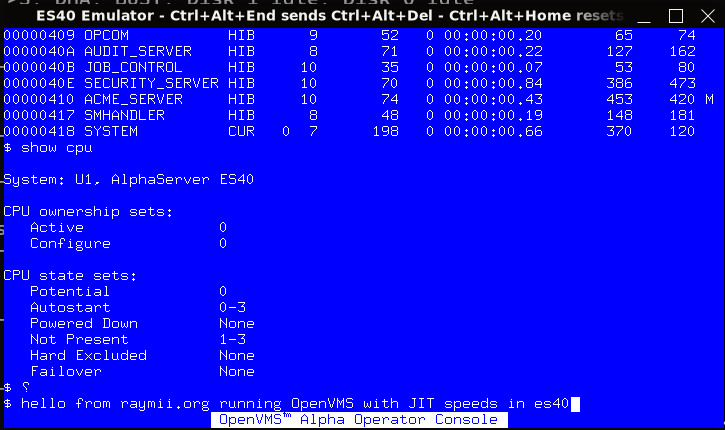
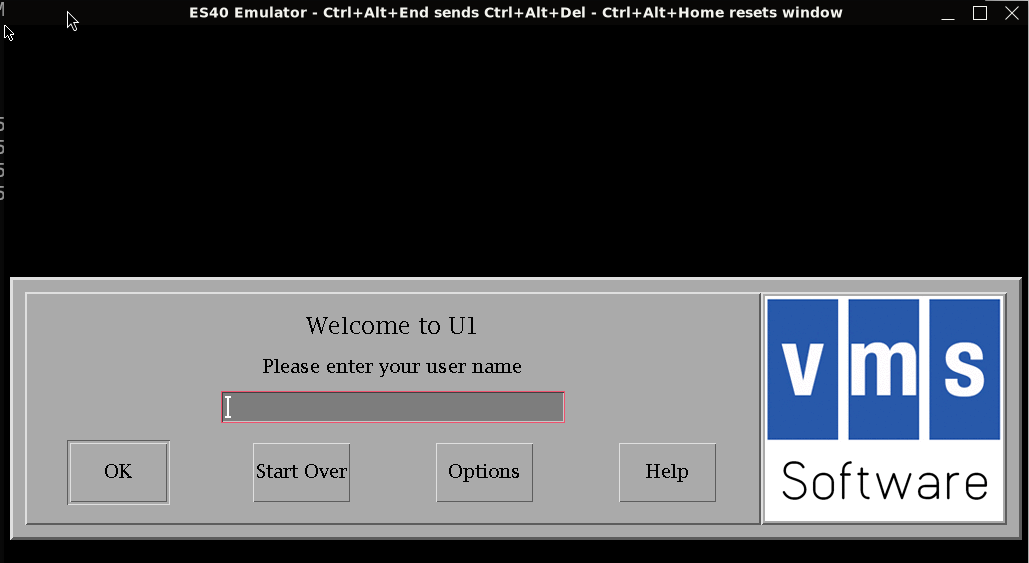
There is also OpenVMS graphics support, no need for X11 tunneling anymore:
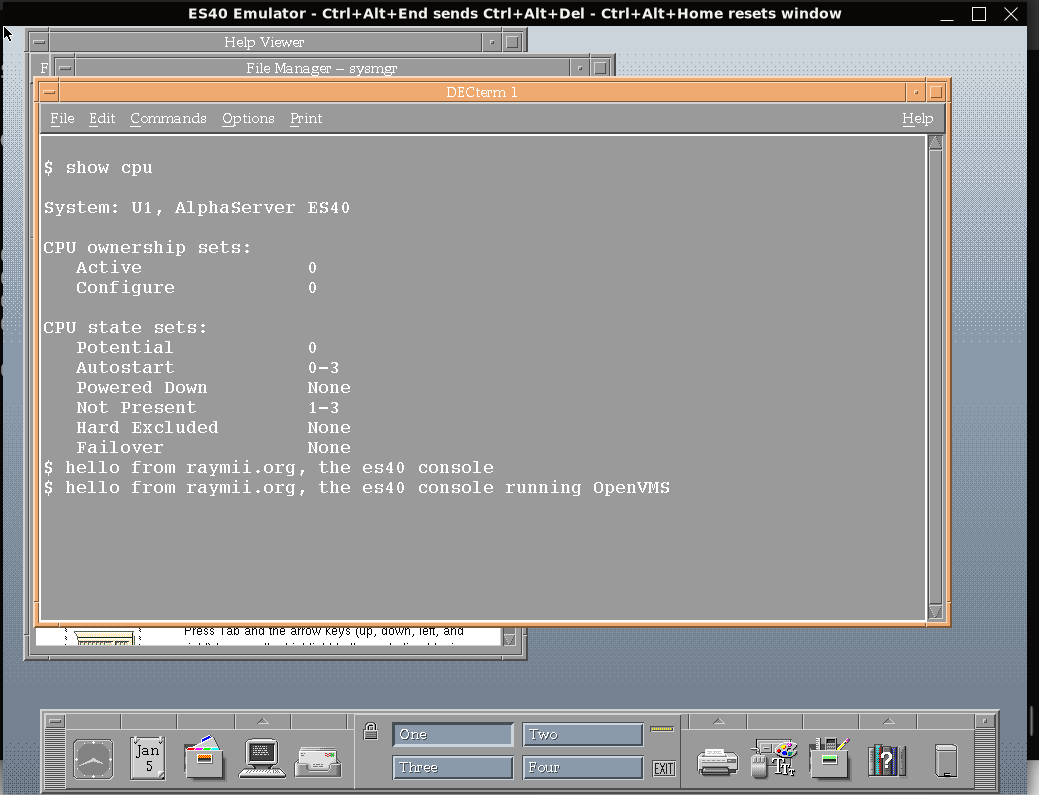
To get to a graphical login, start up OpenVMS, log in on the Operator Console and start the graphical system:
@SYS$MANAGER:DECW$STARTUP
Then type logout to get out of the operator console and get the login window:
This will not be a setup guide, I just wanted to inform you of the new fork and the great progress that has been made. I've been trying out the build with massive speedups due to the JIT compiler and it feels way faster than without JIT support, both Windows NT and OpenVMS.
There is a full guide on getting Windows 2000 up and running here, as well as instructions for Tru64 Unix.
The setup is quite involved. es40 is provided as source and a precompiled binary via github. The configuration wizard has been updated for the new features. You need to upgrade the ARC firmware first with the Alpha Systems Firmware Update v7.3(part AG-RCFBX-BS) CD-ROM. You also have to use a different VGA Bios firmware (not the vgabios-0.6a.bin file you would use for AXPBox), this one from 86box, 86c764x1.bin - S3 VGA BIOS.
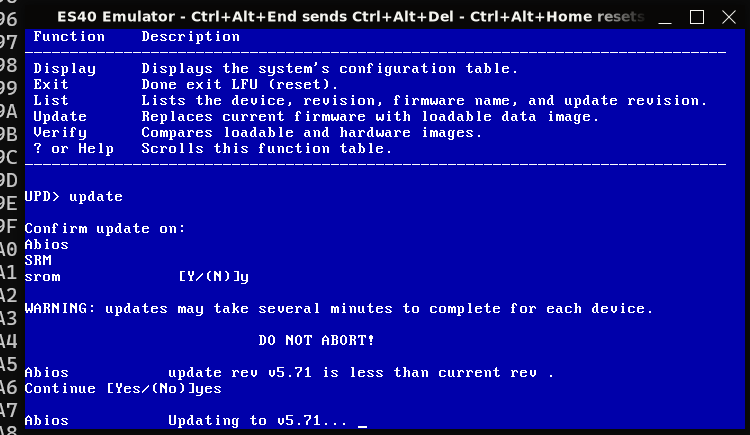
Upgrading the arc firmware went reasonably fast in the JIT build:
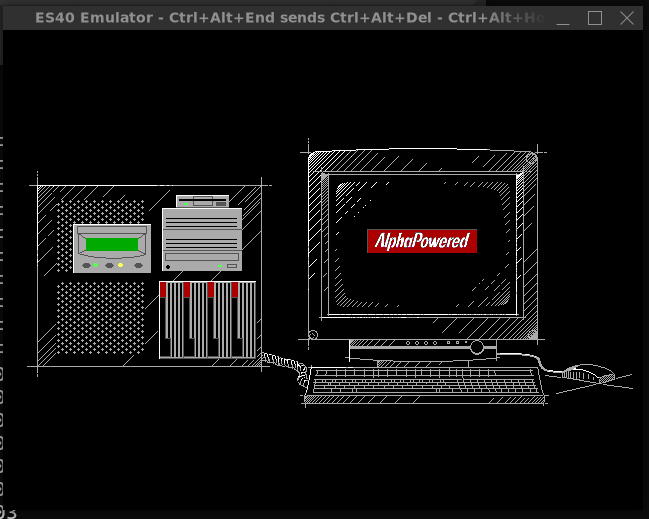
After the upgrade, type arc on the SRM prompt to boot into the graphical BIOS:
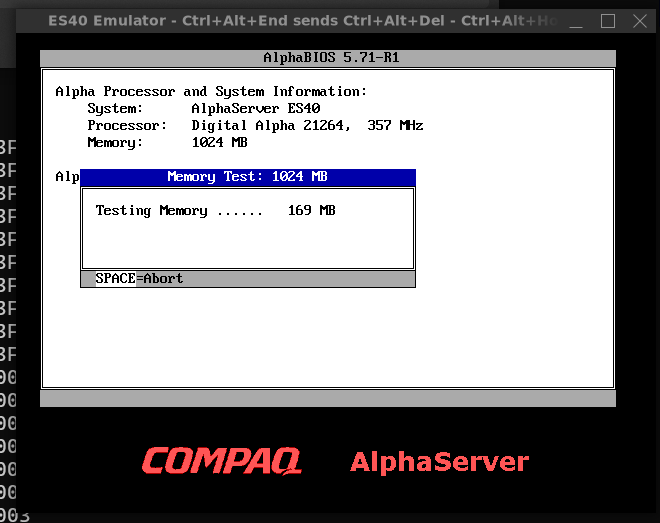
Then there will be a memory test, which you can disable in the Advanced CMOS settings screen:
To actually install Windows 2000, you need to get Windows 2000 RC2 build 2128 from archive.org.
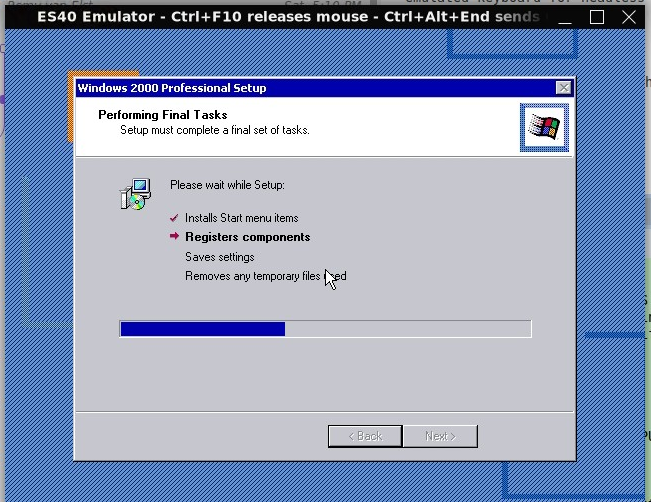
The setup is straightforward. If you've ever installed any Windows version up to I think vista, it's the same blue screen first for partitioning, then boots into a sparse GUI.
It does take quite some time, for me almost 20 minutes.
When the installation is finished, you're greeted by a desktop and welcome screen: