
Changelog
Latest updates and announcements.
July 2026 - Base UI as the Default
Starting today, Base UI is the default component library in shadcn/ui.
First, a bit of history. When shadcn/ui launched in January 2023, it was built on Radix. At the time, nothing else came close. Unstyled headless components, great APIs, great accessibility, battle-tested in millions of apps.
Fast forward a few years and the same folks who built Radix are building something new: Base UI. They've done it once. Now they get to do it again, with everything they learned the first time.
Last year, Base UI tagged a beta and a lot of you asked if we are going to replace Radix with it. I said "the worst thing you can do for your production app is switch component libraries". I meant it, and it still holds. So instead of switching, we did the shadcn thing: we rebuilt every component for Base UI, kept the same abstraction, and let you choose. December brought npx shadcn create with both libraries. January brought full Base UI docs.
Then we watched what you did with it.
Why Now#
- Base UI is stable. It's at 1.6.0 with 6M+ weekly downloads.
- It keeps getting better. The team ships new and useful components regularly.
- We use it. Every new project we've started runs on Base UI.
- You use it. Projects created on shadcn/create now pick Base UI over Radix 2 to 1.
The community already made the call. We're making it official.
What's Changed#
- New projects default to Base UI. Run
npx shadcn initand Base UI is the default pick. - shadcn/create shows Base UI first.
- The docs default to Base UI. Component pages open on the Base UI tab. Radix docs are one click away.
What This Means for You#
Radix is not being deprecated. We still support it, and every update and new component will ship for both libraries (unless a component only exists in Base UI).
You do not need to migrate. Radix is a mature, tested library. We still run it in production today and we're not migrating. If your app works, keep shipping.
Prefer Radix for new projects? It's one flag away:
shadcn init -b radix
If you have scripts or CI running shadcn init non-interactively and expecting Radix, add -b radix to keep them on the same path.
Building a registry? Ship a registry:base config if you want to pin a specific library. Items without one now init as Base UI.
Starting something new? We recommend Base UI.
When You're Ready to Migrate#
You don't need to migrate. But if you want to, we built a skill for it:
npx shadcn add skill-migrate-radix-to-base
Then ask your coding agent:
Migrate my project from Radix to Base UI.
It's progressive by default: migrate one component and its usage at a time while your project stays green and shippable. Both libraries coexist while you work. Stop halfway, ship, come back next week and it picks up where you left off. Or ask for the whole project in one go.
Why a skill and not a codemod?#
Because you own the code. You've added variants, changed classes, threaded new props. A codemod handles the components you never touched and breaks on the ones you did.
So we shipped knowledge instead: every rename, every prop change, every behavior difference, hand-checked against both libraries. Your agent reads it, figures out what you changed, and carries those changes over.
Mechanical things get fixed everywhere (asChild is now render). Behavior changes get flagged, never silently patched. You decide.
What a migration produces#
Every run leaves three things:
- Working code. Typechecked and built before it reports success.
- A report per component in
.migration/at your project root: what changed, what was left alone, and a short checklist of things to verify by hand. - Clean git history. One commit per component, on a branch. Rollback is deleting the branch.
Here's what a report looks like:
.migration/accordion.md
## accordion

- 1 file modified
- 4 props changed
- 1 behavior changed: `type` prop removed (use `collapsible` instead)
- No manual changes detected.
- [ ] Verify manual changes are still correct
No hidden state. Progress lives in your files and git history, so any agent, any session, any day picks up where the last one stopped.
It works with Claude Code, Cursor, or any agent that supports skills. We tested it on real projects: 60+ components, 36 of them on Radix. A full migration ran in about 25 minutes at roughly 10k tokens per component. Clean builds, customizations intact.
June 2026 - Components for Chat Interfaces
New Chat
How can I help you today?
Morning, shadcn!
What are we working on today? Press send to start a new conversation
I'm building a chat for our app and the scroll behavior is driving me nuts. Every time the AI streams a reply, the whole thread jumps around.
Send
Demo is read only. Press send to send messages.
import { MessageScroller, Message, Bubble, Attachment, Marker } from "@/components/ui/message-scroller"
View Code
Today, we’re releasing a new set of components for building chat interfaces: MessageScroller, Message, Bubble, Attachment, and Marker.
This is the first phase of the chat components work. We’re taking it one piece at a time, reimagining the abstraction behind each part, and shipping them as shadcn/ui components you can copy, compose, and adapt to your product.
We are starting with the conversation layer: scrolling, message rows, bubbles, attachments, and markers.
We asked ourselves: what makes a great streaming chat experience? Then we abstracted the core rules into a set of primitives: MessageScroller.
MessageScroller#
MessageScroller is the scroll container for a conversation. It handles the
parts that are easy to get wrong: anchored turns, streamed replies, saved thread
restore, prepended history, jump-to-message, scroll controls, and visibility
tracking.
MessageScroller owns that behavior without owning your messages, AI state,
transport, persistence, or model state. You bring the content renderer.
The MessageScroller is also available as an unstyled headless component in @shadcn/react.
Message, Bubble, Attachment, and Marker#
The rest of the components cover the everyday pieces you need around the scroller.
Messagelays out a row in the conversation with avatar, alignment, header, content, footer, and grouped messages.Bubblerenders the message surface, with variants, alignment, reactions, links, buttons, and collapsible content.Attachmentrenders files and images with media, metadata, upload state, actions, and a full-card trigger that keeps actions separately clickable.Markerrenders status updates, system notes, bordered rows, and labeled separators for things like streaming state, tool activity, and date breaks.
They are intentionally small. Compose them together for AI chats, support inboxes, team threads, group chats, and product-specific conversations.
scroll-fade and shimmer#
We also added two new CSS utilities for the details that make chat interfaces feel better.
scroll-fade adds scroll-aware edge fades to scroll
containers. Use it on MessageScroller, ScrollArea, attachment rows, and any
long list where you want to hint at more content without adding overlays or
scroll listeners.
Item 1
Item 2
Item 3
Item 4
Item 5
Item 6
Item 7
Item 8
Item 9
Item 10
Item 11
Item 12
.scroll-fade {
 mask-image: linear-gradient(to bottom, transparent 0%, black 10%, black 90%, transparent 100%);
}
shimmer adds a text shimmer for live status. Use it
for things like "Thinking…", "Generating response…", running tools, and
streaming markers.
Generating response…
@keyframes shimmer {
 0% { background-position: 100% 0; }
 100% { background-position: -100% 0; }
}
Both utilities ship with shadcn/tailwind.css, so projects initialized with
npx shadcn@latest init already have them.
@shadcn/react#
We also created @shadcn/react, a new package for unstyled, headless React
components.
The first primitive is @shadcn/react/message-scroller. The registry component
wraps it with shadcn/ui styles, but the scroll behavior lives in the package:
anchoring, auto-follow, prepend preservation, scroll commands, and visibility.
This lets us ship behavior without locking it to a visual style. You still get copy-and-paste components that match your project, and the hard interaction logic stays tested in one place.
Available now for Radix and Base UI.
AI Elements#
This does not replace AI Elements. You can keep using AI Elements for AI interface components and patterns. This release is about bringing the core pieces of chat into shadcn/ui, one component at a time.
If you are already using a component from AI Elements, you do not need to rewrite your app. Keep what works. Try the shadcn/ui version when you want the newer abstraction, the updated styling, or support across Radix and Base UI.
The goal is to make these pieces easy to adopt independently. Replace one part, compose it with what you already have, and keep building.
June 2026 - GitHub Registries
You can now turn any public GitHub repository into a registry.
Add a registry.json file at the root of the repository, define the items you
want to distribute, and users can install them directly from GitHub with the
shadcn CLI.
shadcn add "github:acme/toolkit"
For example, to install the project-conventions item from the acme/toolkit repository:
shadcn add "github:acme/toolkit/project-conventions"
GitHub registries are source registries. You do not need to run shadcn build,
publish generated item JSON files or set up a registry server. The CLI reads the
root registry.json, resolves include entries, finds the requested item and
installs the files declared by that item.
Distribute anything#
Registry items are not limited to components. A GitHub registry can distribute components, hooks, utilities, design tokens, feature kits, project conventions, agent instructions, testing setup, CI workflows, release workflows, templates, codemods, migration kits and other project files.
For example, a repository can expose a project-conventions item that installs
shared docs, editor settings and agent instructions:
{
 "name": "project-conventions",
 "type": "registry:project",
 "files": [".github/copilot-instructions.md", ".editorconfig", "CONTRIBUTING.md"]
}
Commands#
GitHub registry addresses work with the same commands as other registry addresses.
List items from a GitHub registry:
shadcn list github:acme/toolkit
Search items:
shadcn search github:acme/toolkit
View an item:
shadcn view github:acme/toolkit/project-conventions
Install an item:
shadcn add github:acme/toolkit/project-conventions
See the GitHub Registries docs for the full guide.
May 2026 - shadcn eject
When we added support for both Radix and Base UI, we needed a place for shared Tailwind utilities that both libraries depend on, e.g. custom variants like data-open: and data-closed: and utilities like no-scrollbar.
We also ran into a few bugs while working on RTL support that were easier to fix in one shared place rather than duplicating across every component.
So we created shadcn/tailwind.css. When you run init, it adds @import "shadcn/tailwind.css" to your global CSS file. It works just like other CSS imports such as tw-animate-css: a small dependency that is tree-shaken in production and resolved at build time.
If you prefer not to depend on the shadcn package for that CSS, we've added the shadcn eject command. It inlines shadcn/tailwind.css into your global CSS file and removes the shadcn dependency from your project.
npx shadcn eject
Before
@import "tailwindcss";
@import "tw-animate-css";
@import "shadcn/tailwind.css";
After
@import "tailwindcss";
@import "tw-animate-css";
/* shadcn/tailwind.css inlined */
In a monorepo, run the command from the workspace that contains your components.json and global CSS file:
npx shadcn eject --cwd apps/web
See the CLI documentation for more details.
May 2026 - Introducing Rhea
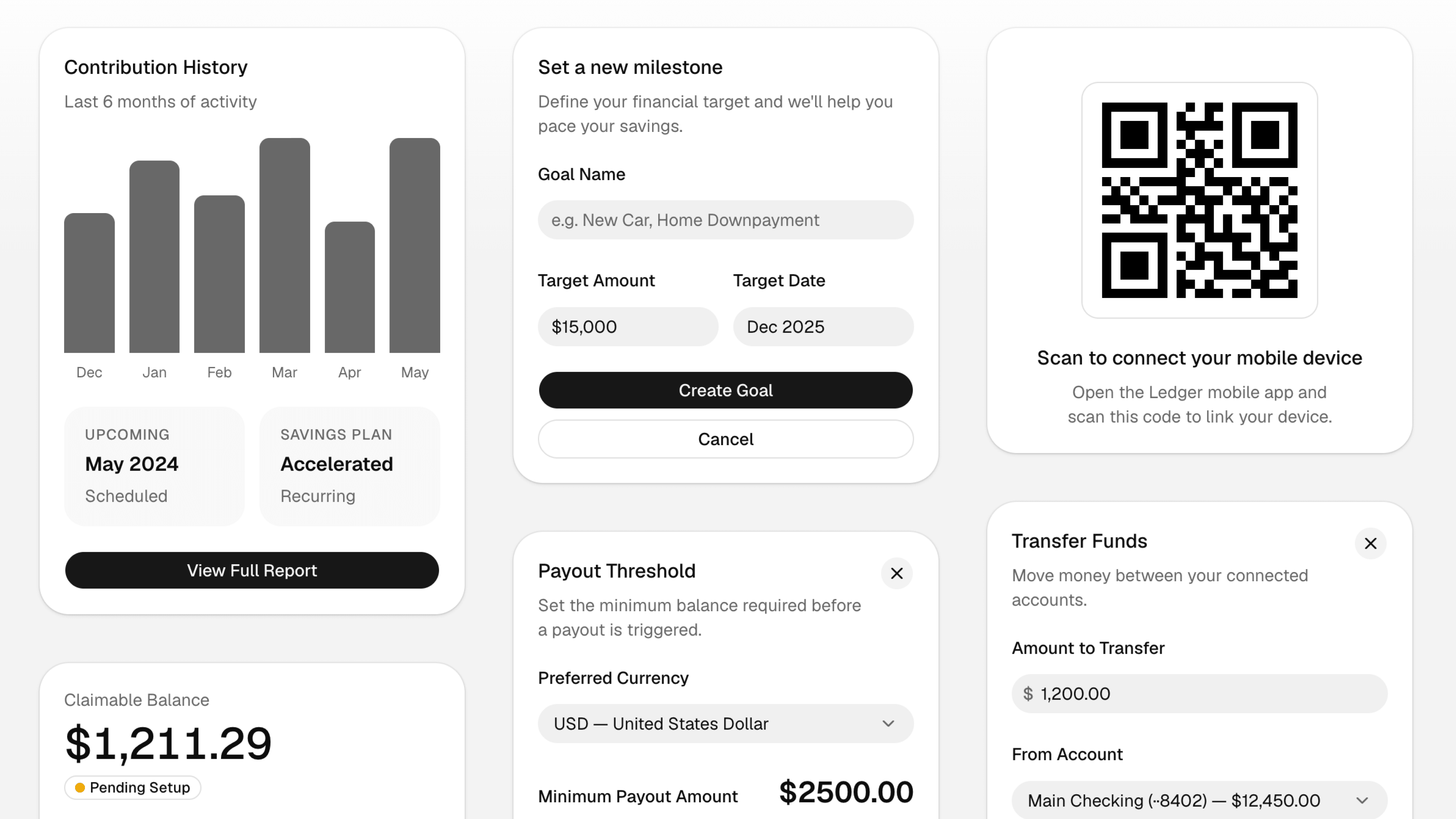
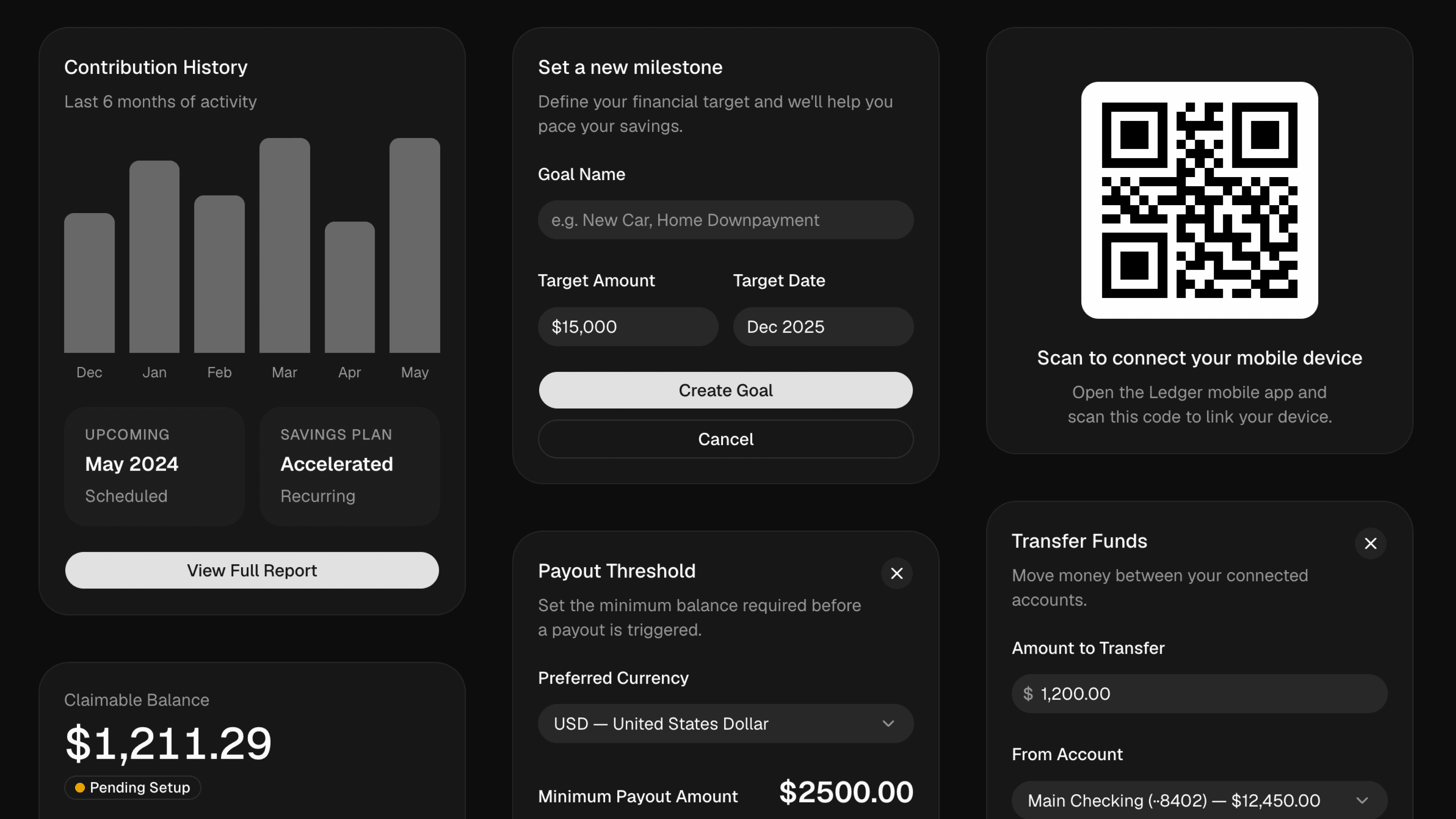
Introducing Rhea, a new shadcn/ui style. A more compact Luma. Smaller spacing. Denser surfaces. Built for focused product interfaces.
 Try Rhea in shadcn/create
Rhea started from a simple request we've heard a lot: Luma, but more compact. We looked at how people were using the new styles and what they were asking for, and the pattern was clear. A lot of teams wanted the softness and shape of Luma with tighter spacing, smaller controls, and more information density.
Rhea keeps the same rounded foundation, but makes it more compact for product interfaces where space matters. Buttons, inputs, menus, cards, and lists all sit a little tighter so the UI can carry more without feeling crowded.
Why a new style?#
We considered making this a spacing tweak for Luma, but --spacing is a multiplier. Changing it would change what familiar utilities mean across your app. p-2, w-4, and m-16 would no longer mean the same size.
That tradeoff felt wrong. Compactness should not force you to relearn Tailwind's spacing scale or wonder whether a utility means something different in one style than another.
So Rhea is a new style instead. It lets us adjust component sizes, gaps, and density directly while keeping the underlying utility scale predictable.
Available now in shadcn/create for both Radix and Base UI.


